|

Working on Compatibility with Webmentions & the IndieWeb
IndieWebCamp - IndieWeb for WordPress

I’ve been working for awhile on trying to make my blog the central hub of my online presence, even on social media, taking a approach. I’ve recently setup Bridgy in order to bring back the conversation on other platforms back to my site. One issue that I’ve found is that the setup of is getting blown away when using JetPack comments. This issue was reported on GitHub like 3 years ago, and even mentioned by Chris Aldrich on his excellent blog post about using WordPress with the .

I’m going to need to do some digging over the next week to see about working on a fix for this.

Similar Posts

  • |

    WordPress Grand Rapids – September 2018: Show And Tell

    Nicole – BoldGrid Post & Page Builder Free & Premium Versions Not Compatible With Editing on Mobile Not Yet Compatible With Gutenberg Premium Designer Blocks & Sliders BoldGrid Central Free cloud-based WordPress instances for testing things out. Crio WordPress Theme Available on ThemeForest Topher – BigCommerce Provides a plugin that pushes your BigCommerce store content…
  • | | | |

    WordPress Meetup 3/21/19

    Show & Tell WPRig – Morten Rand-Hendrickson (to be next guest speaker) Bold Grid Cloud WordPress Repo Testing – WordPress Theme/Plugin Tester Poopy.Life – Temporary WordPress Installs BrowserStack – Website/Browser Testing Service Grav – Static Site CMS Statamic – Static Site Generator Hugo – Static Site Generator Strattic – Static Site Generator for WordPress Caldera…
  • | |

    Highlights of WordCamp Grand Rapids 2018

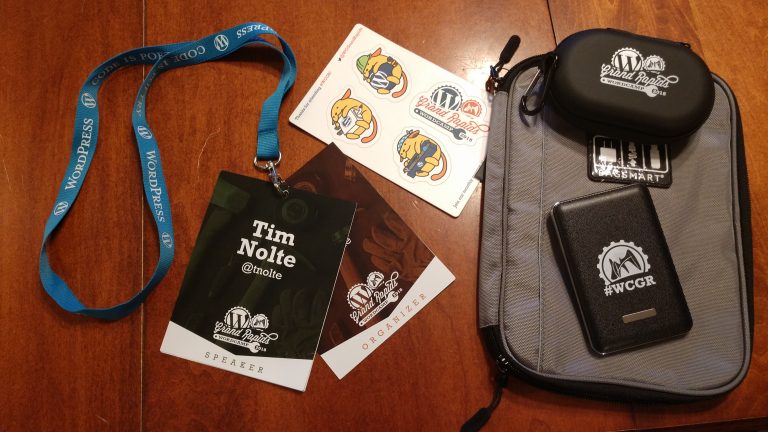
    TL;DR – This year #WCGR was all about people and conversations for me. Oh, and trying my hand at speaking, which I didn’t totally bomb. Today marked the 4th WordCamp Grand Rapids that I’ve attended. Last year I was just an attendee but this year I stepped things up in a pretty bug way. I…

Mentions

Leave a Reply

Your email address will not be published. Required fields are marked *

This site uses Akismet to reduce spam. Learn how your comment data is processed.

To respond on your own website, enter the URL of your response which should contain a link to this post's permalink URL. Your response will then appear (possibly after moderation) on this page. Want to update or remove your response? Update or delete your post and re-enter your post's URL again. (Find out more about Webmentions.)