| |

WordPress Development On A Chromebook, Termux, & Neovim

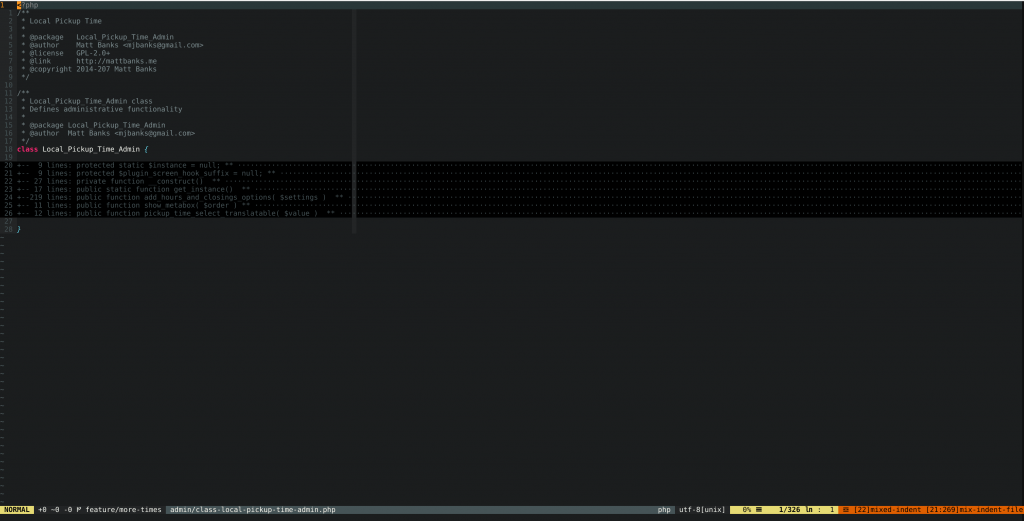
Neovim - Editing WordPress Plugin File
Neovim – Editing WordPress Plugin File

So about 6 months ago I decided to make some changes to my personal development environment. I’ve been using a Chromebook as my primary machine since about 2013. I first purchased an Acer C710 for my wife to use but compared to our Macbook Pro it was a frustrating and subpar experience for her, not to mention she was a heavy Adobe Suite user. Since sharing the Macbook Pro was challenging I set out to use the Chromebook as me development machine. Originally I went with the crouton option. It was pretty sweet to have a full Linux environment alongside Chrome OS. I was then running a full LAMP environment with PhpStorm as my IDE. This worked OK, I had performance and stability issues at times. In an effort to resolve some of the performance issues, and screen realestate, I picked up a Toshiba Chromebook 2 and again started with a crouton environment. After having to rebuild my crouton environment a few times, and still experiencing random broken crouton stuff, I decided to move to a web-based IDE.
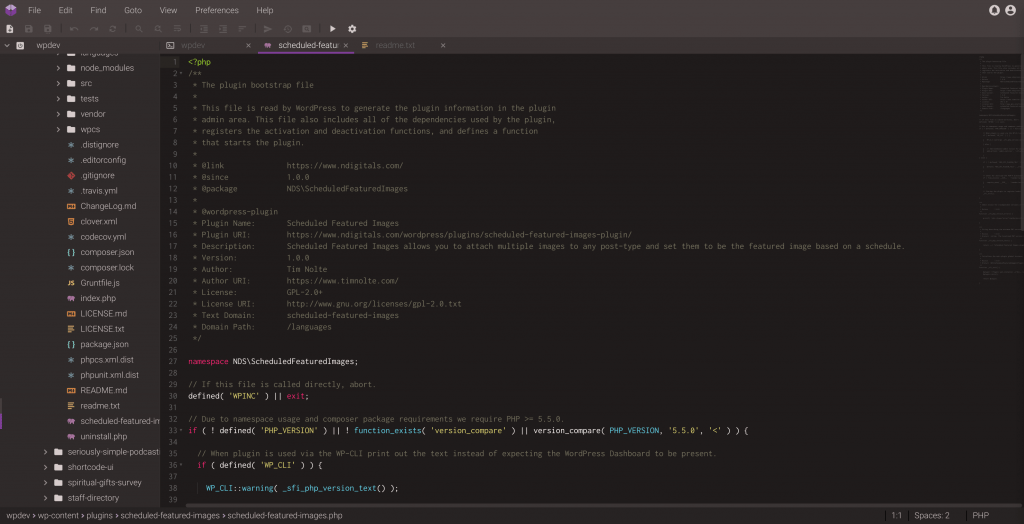
CodeAnywhere - Web-based IDE
CodeAnywhere – Web-based IDE

I tried a gamut of web-based IDEs, including Cloud9 & CodeAnywhere, and ended up settling on CodeAnywhere for a good chunk of time. During that time I actually picked up an HP Chromebook G1, which is what I use to remote to my work Virtual Desktop at Sprint, which has been a pretty solid machine. As for CodeAnywhere, I actually paid for a multi-year plan, but after seeing little progress on features, and severely lackluster customer service when things weren’t working, I started looking for alternatives. I was considering going back to crouton but was not liking the idea of putting my Chromebook back into Developer Mode. I did checkout Codenvy, which is a hosted version of Eclipse Che a sort of web-based version of Eclipse. About that time Android applications had become officially supported on my Chromebook.
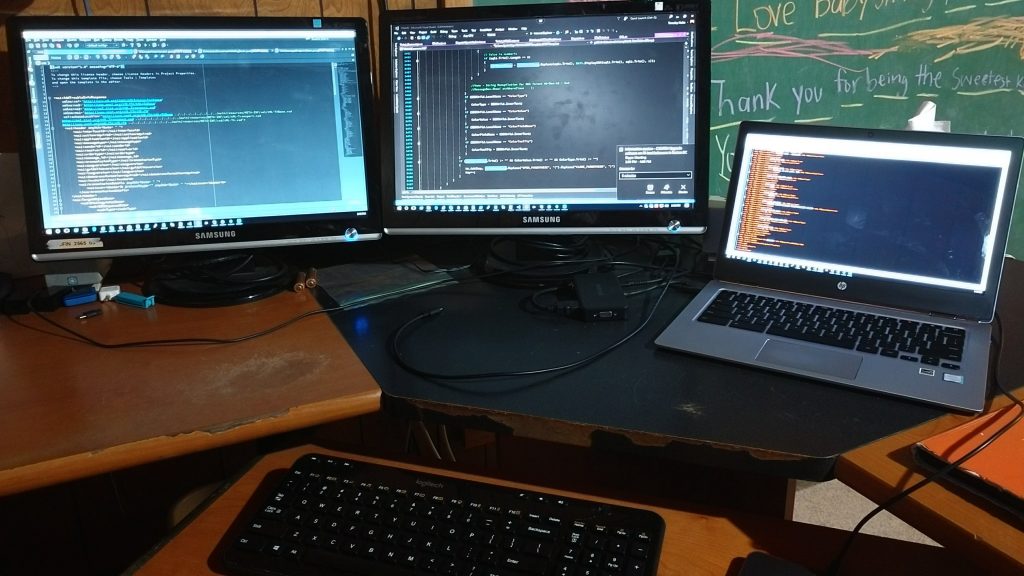
Development Setup

As I was checking out the landscape again on doing full development on my Chromebook, I came across an interesting article. The concept was to use the Android environment on Chrome OS and the application Termux as a development environment. And that led me even further into the idea of going a little retro and using vim, and more specifically Neovim, as my IDE.

Since I’ve just recently restored my Neovim setup and time will tell if this is going to be my long term solution. I just recently completed some WordPress plugin changes for a WooCommerce plugin that I needed to make for a client site. Once the translation file is updated I’m hoping that my pull request is accepted and my changes are actually included in the official plugin. On a side note I resorted to using the GitHub Update plugin for install my version, and my branch of changes, to the client site until my changes are official. I’ll go into more of that during my upcoming talk at WordCamp Grand Rapids later this June.


Similar Posts

  • |

    WordCamp GR 2017 – WP-API: The Good, the Bad, and the Ugly – J Andrew Scott

    J Andrew Scott – http://rubberchickenfarm.com/ History of APIs RSS Advantages Fast & reliable Easy to consume Almost no technical footprint Disadvantages Read-only Static content No authentication No user-driven content (i.e. comments, favorites, etc) DIY API Advantages Dynamic content User-driven content App & user authentication Roles & permissions based Connected applications Disadvantages DIY OAuth Redundant URI scheme…
  • WordCamp GR 2017 – Elementary, My Dear Coder – Nicole Paschen Caylor

    Nicole Paschen Caylor – https://github.com/nicolepaschen Code.org The Hour of Code Kodable – paid program, self-guided game Tynker – tynker.com Code Spark Academy Computer Science Curriculum Uses drag-n-drop code blocks Points out more efficient ways of accomplishing task ScratchJr – found on PBS Kids as well(provides more familiar characters) Scratch – for older kids Tips for Success…
  • |

    WordCamp GR 2019 – Confidently Testing WordPress – Steve Grunwell

    https://stevegrunwell.github.io/confidently-testing-wordpress/#/ Testing Fundamentals Automated Testing Reduces time + chance of human error Easily reproducible Gateway to CI/CD Test Types Unit – Test the smallest possible unit of an app. Often a single function Integration – How individual components interact End-to-End(E2E) – An entire path through an application Automated Testing Pyramid ROI for Testing System Under…
  • |

    WordCamp US 2019 – Thinking Remotely Through Games – Tammie Lister

    Benefits Dissolve – thought barriers Opens – creativity Types of Play Unoccupied Play – free to think on your own Independant or solitary play Onlooker play – watching others Parrallel play – same time but separate Associative play Team Context Parallel play – same task, in isolation Associative Play – co-op working Co-op Play –…
  • |

    Enterprise API Development…Navigating The Battlefield

    Right now at work I’m the lead on a project to establish a new vendor API. Unfortunately there were decisions made on key specifications of how the API was to be developed before it was handed to me. Where I work there is a lot of legacy standards and so it’s challenging to introduce new…

Leave a Reply

Your email address will not be published. Required fields are marked *

This site uses Akismet to reduce spam. Learn how your comment data is processed.

To respond on your own website, enter the URL of your response which should contain a link to this post's permalink URL. Your response will then appear (possibly after moderation) on this page. Want to update or remove your response? Update or delete your post and re-enter your post's URL again. (Find out more about Webmentions.)