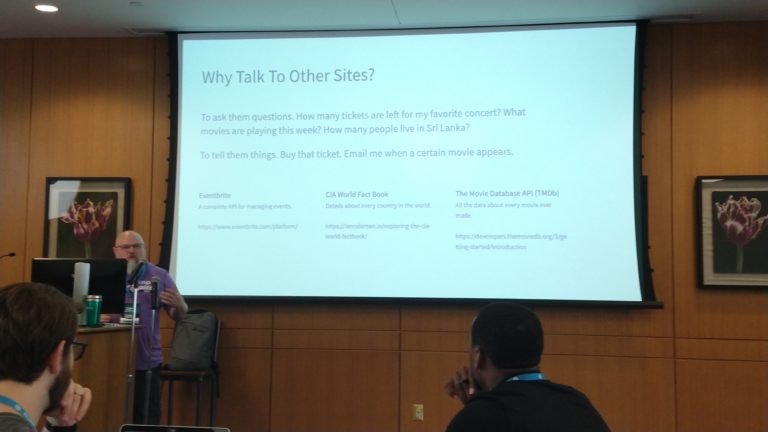
WordPress US 2019 – Design Systems: Crafting For Crafters – Jon Quach
Jon Quach – https://jonquach.com/
Design Systems are important but can be complicated and hard to understand.
What Are Design Systems?
They are about process. They make up the interfaces and designs of a product. They help answer many design and development questions.
What Are The Challenges of Design?
There can be a breakdown of handoff between design and development. Things don’t always end up the way they were intended. No documentation. Nobody knows how developer created things. It’s not because people are bad at their jobs or don’t care. Lacking the understanding of how user interfaces and experience should work together.
How Do You Create A Design System?
You create a Design System to empower the team building the product. End users don’t care about a Design System, it’s not for them. Creating reusable components that translate across Design/Code/Content.
Design
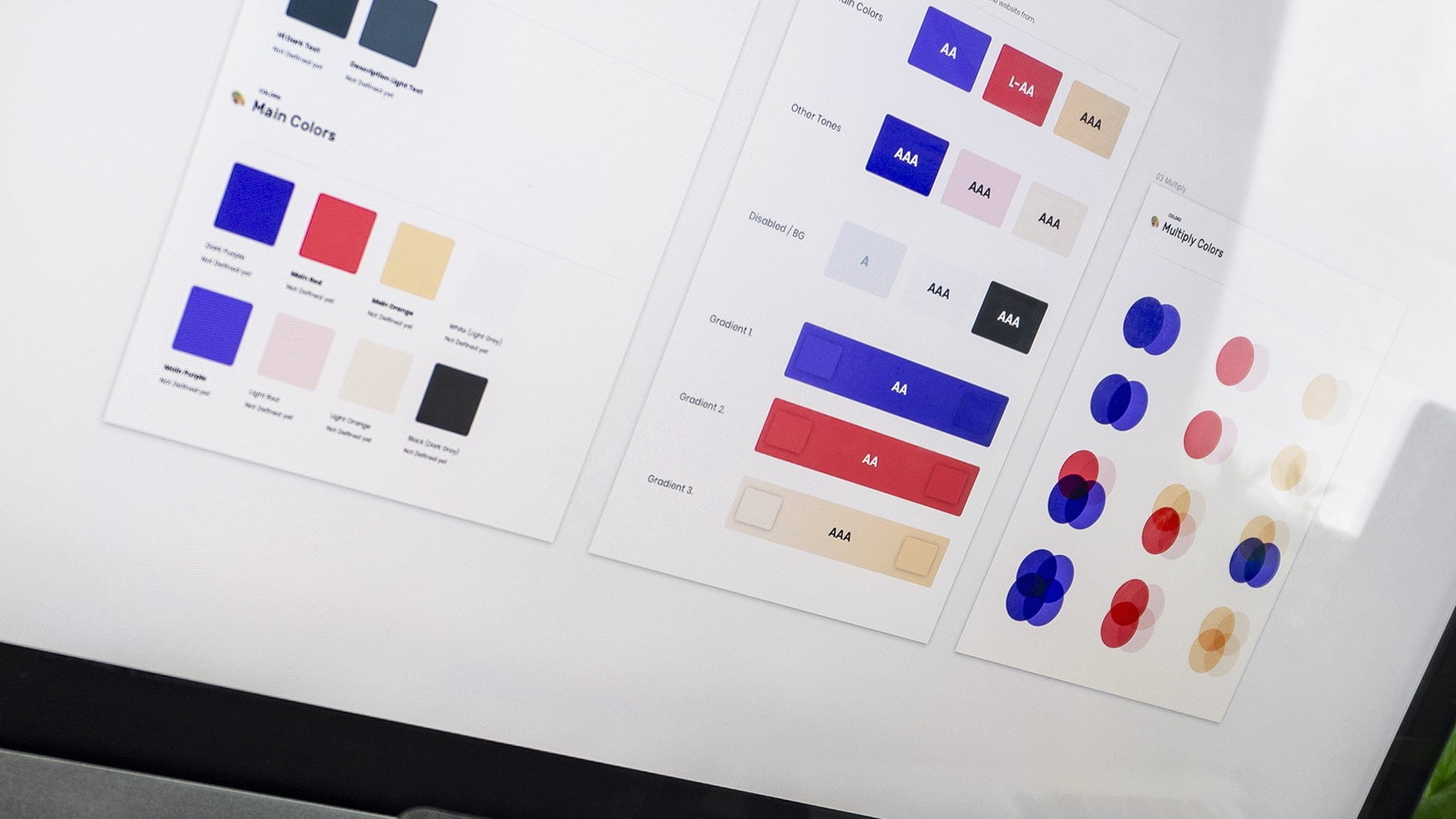
- Color palettes
- Organize layers and components
- Create design elements which can be reusable
- Establishing design symbols
Code
- How components are builts
- Until code is written is just a concept
- There are components in code as well. Need to be built to be reused.
Content
- Represents the brands voice
- Communicates intent
- Having good clear content enables opportunities to connect with users
Process
- Encourages crafters to work together
- Allows components to evolve
Establishing A Design System
- Start small, setup a pilot project
- Make a solid case based on past experiences
- “The Technical Guide to Design Systems”
Integration
This can be the most difficult piece to establish given existing work processes. Design systems can’t be developed in isolation. All areas need to have input.
- Central place to manage it
- Design & document together
- prevents redundant work or incorrect work
- allow for more simple designs
- collaborate on name conventions to establish consistency
- Helps team members feel heard and valued
- Keep Documentation Updated
- as you start using them and things need to change.
Develop & Test Early
- This allows for faster changes
- Create a dedicated UI development space
- The sooner you can resolve things, the easier it will be to incorporate all components
- Recognize What You Can Do
- Don’t try to make changes that are outside your skillset
Build
- Designs shouldn’t just move on to their next project, they can still develop and refine the design components
- A collaborative workflow makes all the difference
- Developers should provide early access to feature for early review and testing
- Making things easier to test is crucial for everyone
Evangelize
- Cultivate a collaborative environment for work